
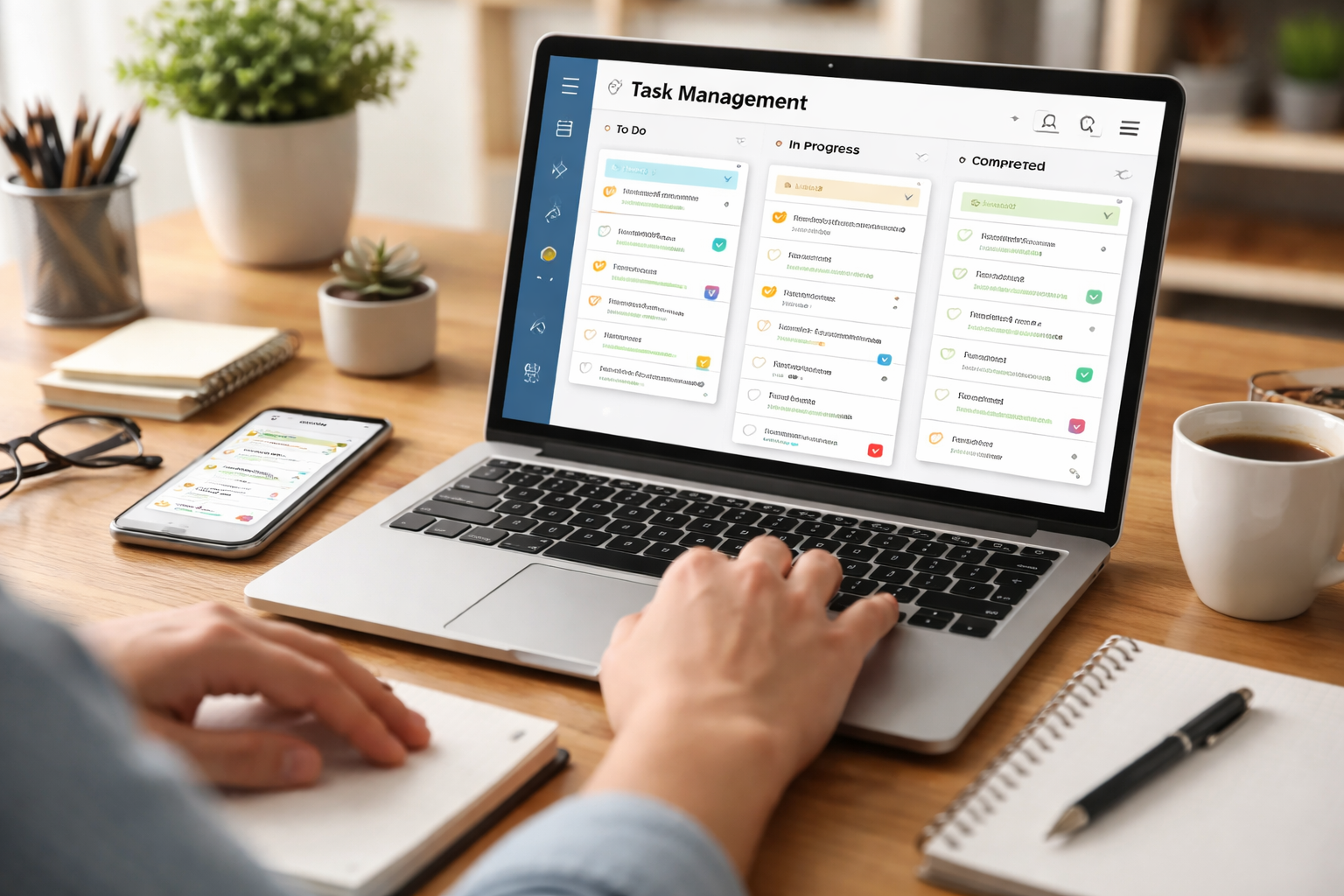
Task management software provides tools for organizing and tracking work. It helps individuals and teams manage tasks, set deadlines, and monitor progress. The software ranges from simple to complex, catering to various needs and organizational sizes.
Contents
- 1 Benefits of Task Management Software
- 2 Choosing the Right Task Management Software
- 3 Implementing Task Management Software
- 4 Streamlining Workflows with Task Management Software
- 5 Task Management Software in Project Management
- 6 FAQs
- 6.1 software. What is task management software, and how does it work?
- 6.2 What are the benefits of using task management software for increased productivity?
- 6.3 How can teams choose the right task management software for their needs?
- 6.4 What are some best practices and tips for implementing task management software?
- 6.5 How does task management software play a role in project management, and what are the future trends and innovations in this area?
Benefits of Task Management Software
Task management software enhances efficiency and organization. It centralizes task information, providing a clear overview of duties and deadlines. The tool reduces the time spent searching for information and planning next steps.
Increased Productivity
By clearly defining tasks and assigning responsibilities, the software streamlines workflows. Users can prioritize work, ensuring important tasks receive attention. This structured approach minimizes distractions and encourages efficient task completion. For example, a team can see all open tasks related to a project, preventing duplicate efforts and missed steps.
Improved Collaboration
Task management software supports team collaboration. It allows multiple users to view, update, and comment on tasks. This transparency fosters communication and ensures everyone understands their role and the overall project status. Consider a digital whiteboard where everyone can see and contribute to ongoing work. Such clarity contrasts with scattered emails or verbal instructions, which can lead to miscommunication.
Better Accountability
The software assigns tasks to specific individuals, making responsibilities clear. Team managers can track individual progress and overall project health. This increases accountability, as each team member’s contributions and deadlines are visible. It provides a shared understanding of who is doing what by when.
Choosing the Right Task Management Software
Selecting the appropriate task management software is crucial for its adoption and effectiveness. The choice depends on team size, project complexity, and integration needs.
Assessing Your Team’s Needs
Before selecting software, evaluate your team’s existing workflow and challenges. Consider the number of team members, the types of projects undertaken, and current communication methods. A small team might require basic task lists, while larger organizations might need advanced features like Gantt charts and resource management. If your team primarily uses email for task assignments, a tool that integrates with it might be beneficial.
Key Features to Look For
Essential features include task creation, assignment, due dates, and progress tracking. Other important features might include:
- Customizable Workflows: The ability to adapt the software to existing processes.
- Notifications and Reminders: Automated alerts for upcoming deadlines or task updates.
- Reporting and Analytics: Tools to measure performance and identify bottlenecks.
- Mobile Accessibility: Access to tasks from various devices.
Scalability and Integration
Consider whether the software can grow with your team. A solution that meets current needs but cannot handle future expansion may require a costly migration later. Additionally, evaluate its integration capabilities with other tools your team uses, such as communication platforms, document management systems, or CRM software. Seamless integration prevents data silos and redundant data entry. Think of integrating tools like connecting pieces of a puzzle, creating a complete picture instead of isolated fragments.
Implementing Task Management Software
Successful implementation involves careful planning and user adoption strategies. Technology alone does not guarantee improvement; people must use it effectively.
Phased Rollout
Introduce the software gradually. Start with a pilot group or a smaller project to test its functionality and gather feedback. This allows for adjustments before a full organizational rollout, minimizing disruption. Like testing the waters before a full swim, a phased approach reduces risk.
Training and Support
Provide comprehensive training to all users. Explain the software’s features and demonstrate its benefits. Offer ongoing support to address questions and resolve issues. Effective training overcomes initial resistance and fosters user confidence. Consider readily available resources like tutorials or a dedicated point person for support.
Setting Clear Guidelines
Establish clear guidelines for using the software. Define how tasks should be created, updated, and closed. Standardized usage ensures consistency and maximizes the software’s potential for organization and reporting. Without clear rules, the software can become another source of disorganization.
Streamlining Workflows with Task Management Software
| Metrics | Value |
|---|---|
| Increased productivity | 20% |
| Reduced task completion time | 30% |
| Improved task visibility | 40% |
| Enhanced collaboration | 50% |
Task management software acts as a central hub for all work-related activities. It provides a single source of truth for project status and individual responsibilities.
Automating Repetitive Tasks
Many task management systems offer automation features. These can include automatically assigning tasks based on specific criteria, creating recurring tasks, or triggering notifications when certain conditions are met. Automation frees up human resources for more complex work. For instance, setting up a recurring task for weekly reports eliminates the need to manually create that task each week.
Visualizing Workflows
Tools like Kanban boards or Gantt charts within task management software provide visual representations of workflows. Kanban boards show tasks moving through different stages (e.g., “To Do,” “In Progress,” “Done”), while Gantt charts illustrate project timelines and dependencies. These visuals offer a quick understanding of progress and potential bottlenecks, much like a map shows all parts of a journey.
Centralized Information Management
The software centralizes all task-related information, including attachments, comments, and historical data. This reduces the need to search through emails or disparate documents. All contextual information is available directly within the task, fostering a complete understanding for anyone involved.
Task Management Software in Project Management
Task management software is a fundamental component of effective project management. It provides the framework for planning, executing, and monitoring projects.
Project Planning and Scheduling
During the planning phase, task management software helps break down large projects into smaller, manageable tasks. Project managers can define dependencies, set realistic deadlines, and allocate resources. This detailed planning forms the backbone of a successful project, much like the blueprint for a building.
Monitoring and Tracking Progress
Throughout project execution, the software allows for real-time tracking of progress. Managers can monitor individual task completion, identify delays, and reallocate resources as needed. Dashboards often provide high-level summaries of project health, offering a quick pulse check. This continuous monitoring enables proactive problem-solving.
Risk Management
By observing task progress and dependencies, teams can identify potential risks early. A delayed prerequisite task might signal a future bottleneck. The software provides the visibility needed to anticipate and mitigate these risks before they escalate into major project issues. It acts as an early warning system.
FAQs
software. What is task management software, and how does it work?
Task management software is a tool that helps individuals and teams organize, prioritize, and track their work. It typically includes features such as task creation, assignment, scheduling, and progress tracking. Users can create tasks, assign them to team members, set deadlines, and monitor the status of each one.
What are the benefits of using task management software for increased productivity?
Task management software can help increase productivity by providing a centralized platform for organizing and prioritizing tasks, improving communication and collaboration among team members, and providing visibility into the status of tasks and projects. Furthermore, it can mitigate the risk of task neglect and guarantee the fulfillment of deadlines.
How can teams choose the right task management software for their needs?
When choosing task management software, teams should consider factors such as their specific workflow and project management needs, the size and structure of their team, the level of customization and integration required, and the ease of use for team members. It’s important to evaluate different options and consider factors such as features, pricing, and user reviews before making a decision.
What are some best practices and tips for implementing task management software?
When implementing task management software, it’s important to involve team members in the selection process, provide thorough training and support, establish clear guidelines and processes for task management, and regularly review and optimize the use of the software. It’s also important to ensure that the software integrates seamlessly with other tools and workflows used by the team.
How does task management software play a role in project management, and what are the future trends and innovations in this area?
Task management software is an integral part of project management, as it helps teams organize and track the individual tasks that make up a project. Future trends and innovations in task management software may include enhanced automation and AI capabilities, improved integration with other tools and platforms, and a focus on providing more advanced analytics and insights to help teams optimize their workflows and productivity.

Hamza Khan is the author and founder of TechFixLogic.info, a platform dedicated to providing practical software guides, tech solutions, and cybersecurity awareness. With a strong interest in technology and digital security, Hamza focuses on creating easy-to-understand tutorials that help users fix software issues, improve their digital skills, and stay safe online.
Through TechFixLogic.info, he shares step-by-step guides, troubleshooting tips, and cybersecurity insights designed for beginners as well as regular computer users. His goal is to simplify technology and make reliable tech knowledge accessible to everyone.


