
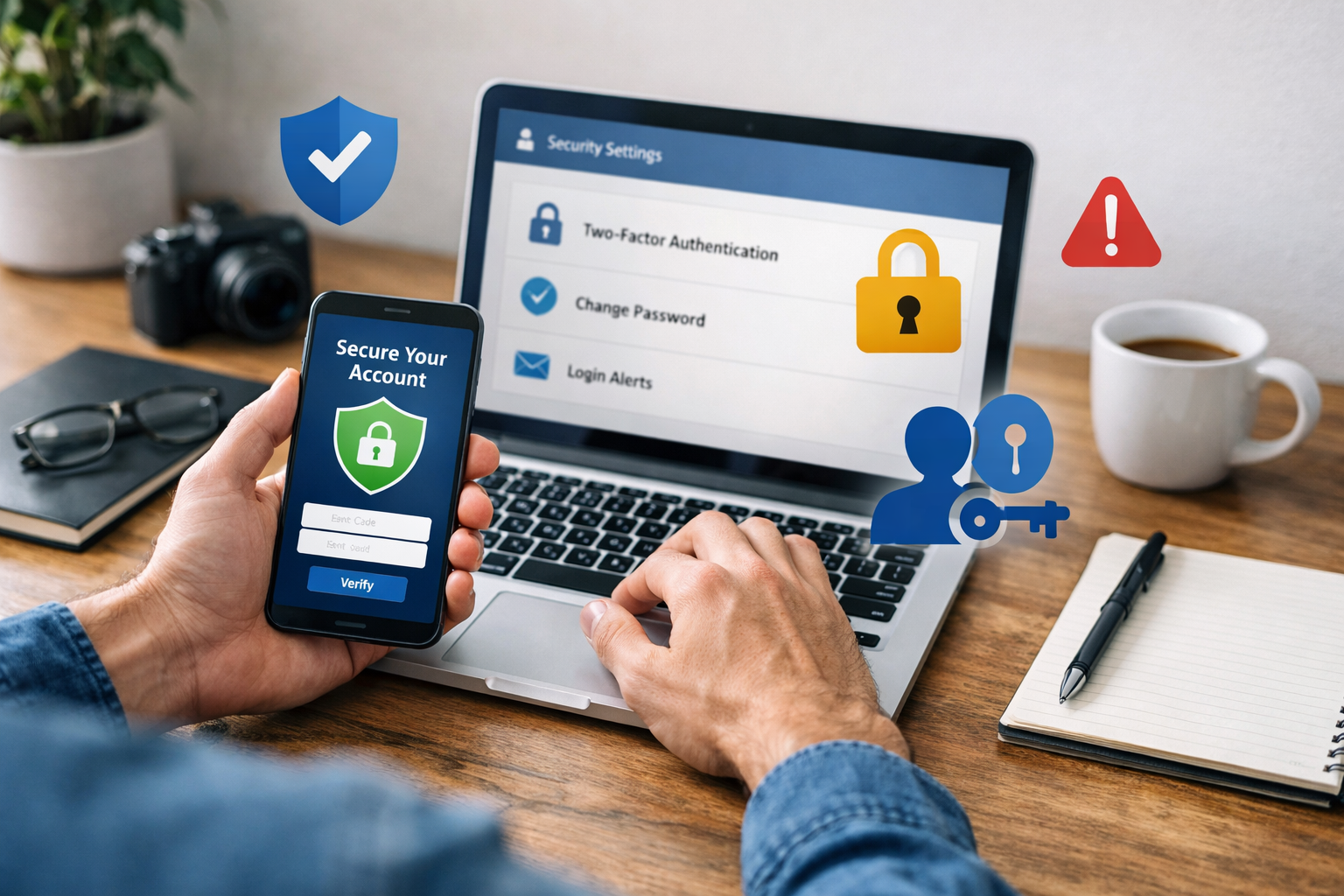
Social media platforms have become central to modern communication and information sharing. Their widespread use necessitates a clear understanding of the security measures available for users. This article outlines ten fundamental steps to protect social media accounts from unauthorized access and various online threats. The design of these measures empowers users to retain control over their digital presence and personal data.

Contents
- 1 Foundations of Account Security
- 2 Navigating Digital Threats
- 3 Maintaining Account Integrity
- 4 Protecting Personal Information
- 5 Building a Secure Social Circle
- 6 Staying Ahead of Threats
- 7 FAQs
- 7.1 1. Why is it important to create strong and unique passwords for social media accounts?
- 7.2 2. What is two-factor authentication, and why should it be enabled for social media accounts?
- 7.3 3. How can individuals be mindful of phishing attempts on social media?
- 7.4 4. Why is it important to regularly update privacy settings on social media accounts?
- 7.5 5. What should individuals do if they encounter suspicious activity on their social media accounts?
Foundations of Account Security
The initial layers of defense for any online account lie in the creation and management of credentials. Strong passwords act as the first barrier, while two-factor authentication provides a critical secondary verification.
Crafting Robust Passwords
A strong password is the cornerstone of account security. It serves as the primary security measure for your digital account. Weak passwords are easily guessed or cracked, leaving accounts vulnerable. When creating a password, prioritize length and complexity. A password should consist of a mix of uppercase and lowercase letters, numbers, and symbols. Avoid common words, personal information such as birthdates or pet names, and sequential numbers or letters. Automated attack methods can easily exploit these.
Think of your password as a unique key. If everyone had the same simple key, locks would be useless. Each key must be distinct. Therefore, using the same password across multiple platforms is a significant risk. If one account is compromised, all accounts sharing that password become vulnerable, like a domino effect. Instead, cultivate unique passwords for each service. Password managers are tools that can generate and securely store complex, unique passwords for all your accounts, simplifying this crucial task.
Implementing Two-Factor Authentication
Two-Factor Authentication (2FA) adds a vital second layer of security beyond your password. It requires a second piece of information to verify your identity, even if someone has obtained your password. This piece of data can be a code sent via SMS to your registered phone, a generated code from an authenticator app, or a physical security key.
Consider 2FA as a deadbolt on your digital door. Even if a thief picks the primary lock (your password), they still need to bypass the deadbolt (2FA) to gain entry. This significantly raises the bar for unauthorized access. Most major social media platforms offer 2FA, and enabling it is a straightforward process, often involving a few clicks in the account settings. It acts as an effective deterrent against phishing attempts and credential stuffing attacks, where attackers use stolen username and password combinations from breaches on other websites.
Beyond basic account protection, users must remain vigilant against external threats that attempt to trick them into compromising their security. Phishing is a prevalent method, and being able to identify and avoid such attempts is crucial.
Recognizing Phishing Attempts
Phishing is a deceptive practice where attackers attempt to trick individuals into revealing sensitive information, such as usernames, passwords, or credit card details, by impersonating trustworthy entities. These attempts often come in the form of emails, messages, or websites that appear legitimate.
Imagine a wolf in sheep’s clothing. A phishing message might look like it’s from your social media provider, your bank, or a friend, urging you to click a link or download an attachment. However, the true intent is malicious. Look for inconsistencies in sender addresses, grammatical errors, suspicious links, or urgent language demanding immediate action. Always hover over links before clicking to see the actual destination URL. If it doesn’t match the expected domain, it’s likely a phishing attempt. Legitimate organizations rarely request sensitive information via unsolicited emails or messages. When in doubt, navigate directly to the official website or app to log in, rather than using a link from an email.
Maintaining Account Integrity
Regular verification and proactive management of privacy settings are essential to ensure your social media accounts remain secure and that your personal information is not exposed beyond your consent.
Updating Privacy Settings
Social media platforms offer a range of privacy settings that allow you to control who can see your posts, engage with your content, and access your personal information. These settings are not static and often evolve with platform updates.
Think of your privacy settings as a set of adjustable blinds on your windows. You decide how much of your interior (personal data) is visible to the outside world. Regularly review and update these settings to reflect your current comfort level with privacy. Understand the implications of public versus private profiles, who can tag you, who can send you messages, and whose posts appear in your feed. Default settings are often not the most private. Take the time to customize them. This helps prevent unwanted interactions, limits the scope of data collection by third parties, and generally reduces your digital footprint.
Monitoring Account Activity
Proactive monitoring of your social media accounts for unusual activity is a critical security measure. This involves checking login histories, linked applications, and notifications of changes to your account.
Consider yourself a diligent security guard for your own digital property. Regularly check the “security and login” or “account activity” sections within your social media settings. Look for unfamiliar login locations, times, or devices. If you spot anything suspicious, it could indicate unauthorized access. Many platforms will also notify you via email or notification if your password has been changed, a new device has logged in, or certain security settings have been altered. Treat these notifications seriously. If you detect unauthorized activity, change your password immediately, terminate any suspicious sessions, and report the incident to the platform.
Protecting Personal Information
| Metrics | 2019 | 2020 | 2021 |
|---|---|---|---|
| Number of data breaches | 1000 | 1200 | 1500 |
| Percentage of individuals affected | 25% | 30% | 35% |
| Amount spent on cybersecurity | 10 billion | 12 billion | 15 billion |
The information you share online, directly or indirectly, can be used against you if not managed carefully. Being selective about what you post and how you connect to the internet is paramount.
Avoiding Excessive Personal Information Sharing
Social media platforms are designed for sharing, but there is a fine line between sharing and oversharing. Posting excessive personal details can create opportunities for identity theft, targeted attacks, and other security risks.
Imagine each piece of personal information you post as a puzzle piece. Adversaries collect these pieces to build a complete picture of you, which can be used for malicious purposes. Avoid publicly sharing sensitive information like your home address, phone number, exact birthdate, financial details, or travel plans. Even seemingly innocuous details, when combined, can be used to answer security questions, gain access to other accounts, or even facilitate physical harm. Exercise caution when sharing details about your workplace, daily routines, or the names of family members, especially children. Be mindful of location-sharing features, and consider whether the benefit outweighs the risk.
Utilizing Secure Wi-Fi Networks
The network you use to access social media plays a significant role in the security of your data. Unsecured public Wi-Fi networks pose substantial risks.
Think of an unsecured public Wi-Fi network as a party line where everyone can overhear your conversation. Data transmitted over these networks, unless encrypted, can be intercepted by malicious actors. This includes your login credentials, personal messages, and other sensitive information. When using public Wi-Fi (e.g., in coffee shops, airports), avoid logging into sensitive accounts. If you must, use a Virtual Private Network (VPN), which encrypts your internet connection, creating a secure tunnel for your data. At home, ensure your Wi-Fi network is password-protected with strong encryption (WPA2 or WPA3) and consider changing the default router password.
Building a Secure Social Circle
Your online interactions and the connections you make directly impact your security posture. A careful approach to friend requests and staying current with security knowledge are crucial.
Being Selective with Friend Requests
The “friends” or “followers” on your social media accounts form your digital community. Accepting requests from unknown individuals can expose you to security and privacy risks.
Consider your social media network as a physical club. You wouldn’t let just anyone into your private club without knowing who they are. Be selective. Unknown accounts could be bots, spammers, or individuals with malicious intentions attempting to gather information or spread malware. Review profiles carefully before accepting requests. Look for mutual friends, shared interests, and a consistent online history. If a profile seems sparse, too good to be true, or aggressively seeks personal information, it’s prudent to decline the request. A smaller, trusted network is often more secure than a large, indiscriminate one.
Staying Ahead of Threats
The landscape of online security is constantly evolving. Continuous learning and prompt action when threats emerge are key to sustained protection.
Staying Informed About Security Updates
Technology and hacking techniques are in constant flux. What is secure today may be vulnerable tomorrow. Staying informed about the latest security threats and updates from your social media platforms is imperative.
Imagine security as a continuous race against those seeking to exploit vulnerabilities. To win, you must keep pace. Most social media platforms regularly release security updates, patches, and advice. Pay attention to these notifications. Follow reputable cybersecurity news sources. Understand common attack vectors like new phishing schemes, malware trends, or data breaches. This knowledge empowers you to recognize and avoid emerging threats proactively. Platforms also provide tips and best practices; incorporating these into your routine strengthens your defenses.
Reporting Suspicious Activity Immediately
Detecting suspicious activity is only half the battle; the other half is taking immediate action. Reporting incidents helps protect not only yourself but also the wider online community.
If you observe anything out of the ordinary—an unfamiliar login, a suspicious message impersonating a friend, or content that violates platform policies—report it. Social media platforms have mechanisms for reporting such incidents. Early reporting can help the platform investigate, mitigate harm, and potentially prevent wider attacks. Imagine reporting a fire alarm: immediate action can prevent a small incident from becoming a catastrophe. Your vigilance contributes to a safer online environment for everyone.
FAQs
It is important to create strong and unique passwords for social media accounts to prevent unauthorized access and protect personal information from being compromised.
Two-factor authentication adds an extra layer of security by requiring a second form of verification, such as a code sent to a mobile device, in addition to the password. This helps to prevent unauthorized access even if the password is compromised.
Individuals can be mindful of phishing attempts by being cautious of unsolicited messages or links, verifying the authenticity of requests for personal information, and avoiding clicking on suspicious links or providing sensitive information.
Regularly updating privacy settings on social media accounts helps to control who can see and access personal information, posts, and photos, and can prevent unauthorized users from viewing or interacting with the account.
If individuals encounter suspicious activity on their social media accounts, they should report it immediately to the platform’s security team and take steps to secure their account, such as changing passwords and enabling additional security measures.

Hamza Khan is the author and founder of TechFixLogic.info, a platform dedicated to providing practical software guides, tech solutions, and cybersecurity awareness. With a strong interest in technology and digital security, Hamza focuses on creating easy-to-understand tutorials that help users fix software issues, improve their digital skills, and stay safe online.
Through TechFixLogic.info, he shares step-by-step guides, troubleshooting tips, and cybersecurity insights designed for beginners as well as regular computer users. His goal is to simplify technology and make reliable tech knowledge accessible to everyone.


